
Start your garment workflow
Upload a garment, confirm the details, and continue through the guided flow.
Login with phone number
We will send a verification OTP on WhatsApp.
Upload the main garment image
Use a clear flat image. The app will detect the garment type and prepare the next steps.
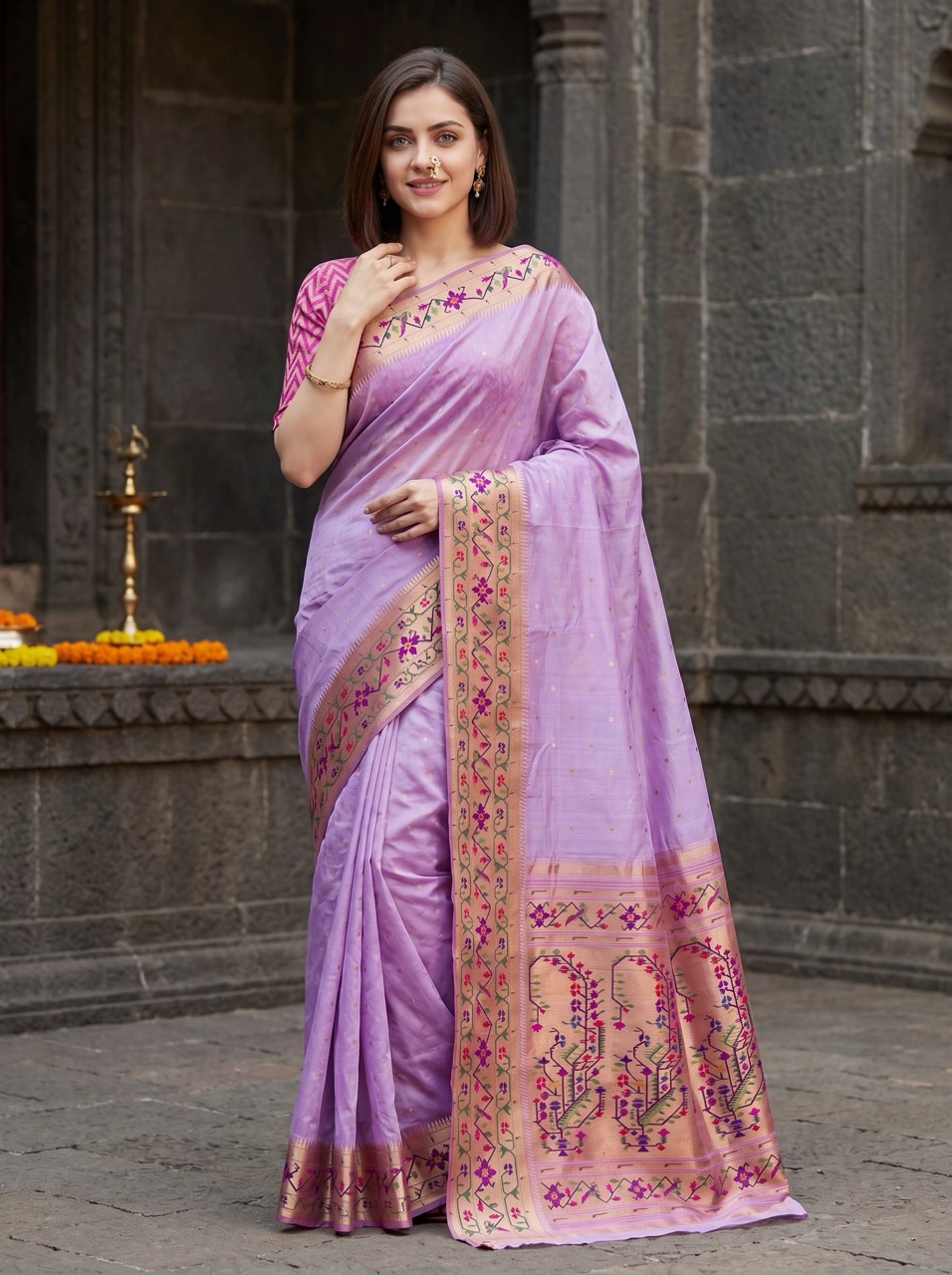
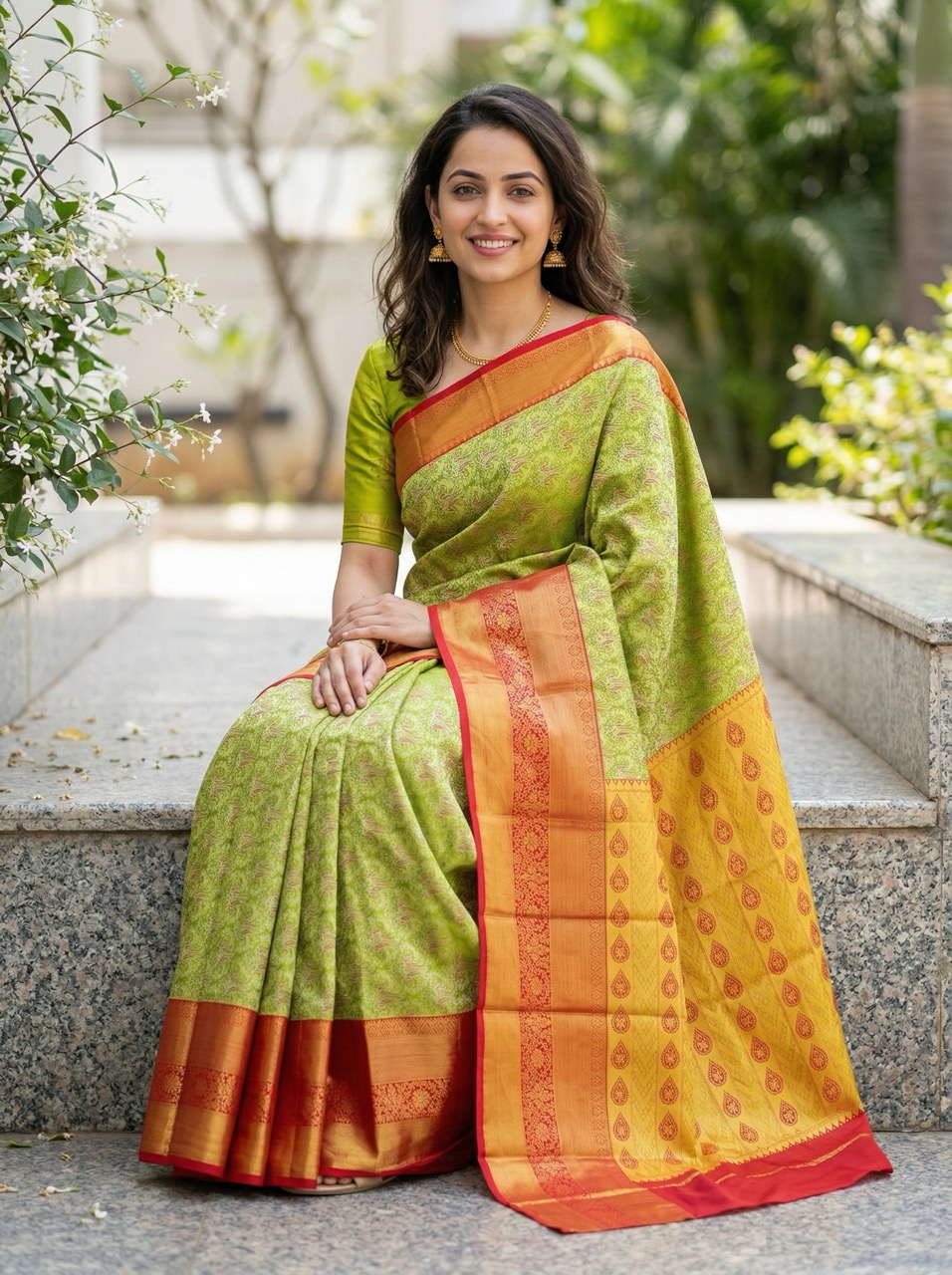
For sarees, a vertical flat usually works best. Try to show the full pallu and a bit of the saree body above it, with very little empty space on the sides.
Confirm garment type
We detected the garment type below. Change it if needed.
Change the selection if this looks wrong.
We could not analyze this image. Please go back and try another one.
Garment details
Review the main garment details and change only if needed.
Additional flats
Add any optional garment images if you have them.
Do not worry if you do not have them. These images help improve accuracy, but we can still create a matching piece or infer missing details where needed.
Choose model
Select the kind of model you want. We will pick one that matches.
Choose background
Pick a background style for your final image.
Choose output
Pick the image size and shape for your first result.
Your image is ready
Download the result, continue to poses, or start a new garment.
Your image may still be generating. Tap below to retrieve it.
Choose poses
Select one or more poses to generate from this garment result.
Pose results
Review the generated poses and download the ones you want.
Your pose images may still be generating. Tap below to retrieve them.
My Images
Showing your past images, or search by a date.
No images found yet.